> For the complete documentation index, see [llms.txt](https://docs.faronics.com/faronics-insight-docs/llms.txt). Markdown versions of documentation pages are available by appending `.md` to page URLs; this page is available as [Markdown](https://docs.faronics.com/faronics-insight-docs/using-faronics-insight/the-insight-teacher-console/assess/manage-webpages.md).
# Manage Webpages
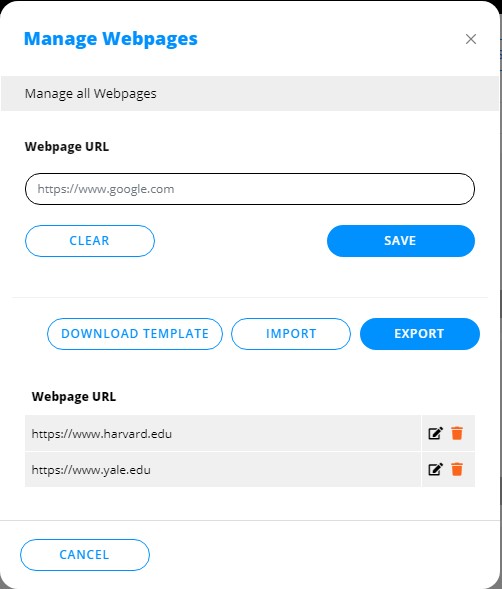
This feature allows Teachers to specify websites that can be launched on Student computers.
1. Select at least one Student.
2. Click *Assess*.
3. Click *Manage Webpages*.
4. Enter the URL for the webpage.
5. Click *Save*.
Alternatively, you can import and export a list of websites.
1. Click *Download Template* to download the template.
2. Add or update the information according to the format shown in the CSV file, then save the file.
3. Click *Import* to import your list of websites.