> For the complete documentation index, see [llms.txt](https://docs.faronics.com/faronics-insight-docs/llms.txt). Markdown versions of documentation pages are available by appending `.md` to page URLs; this page is available as [Markdown](https://docs.faronics.com/faronics-insight-docs/using-faronics-insight/the-insight-teacher-console/actions-1/launch-application.md).
# Launch Application
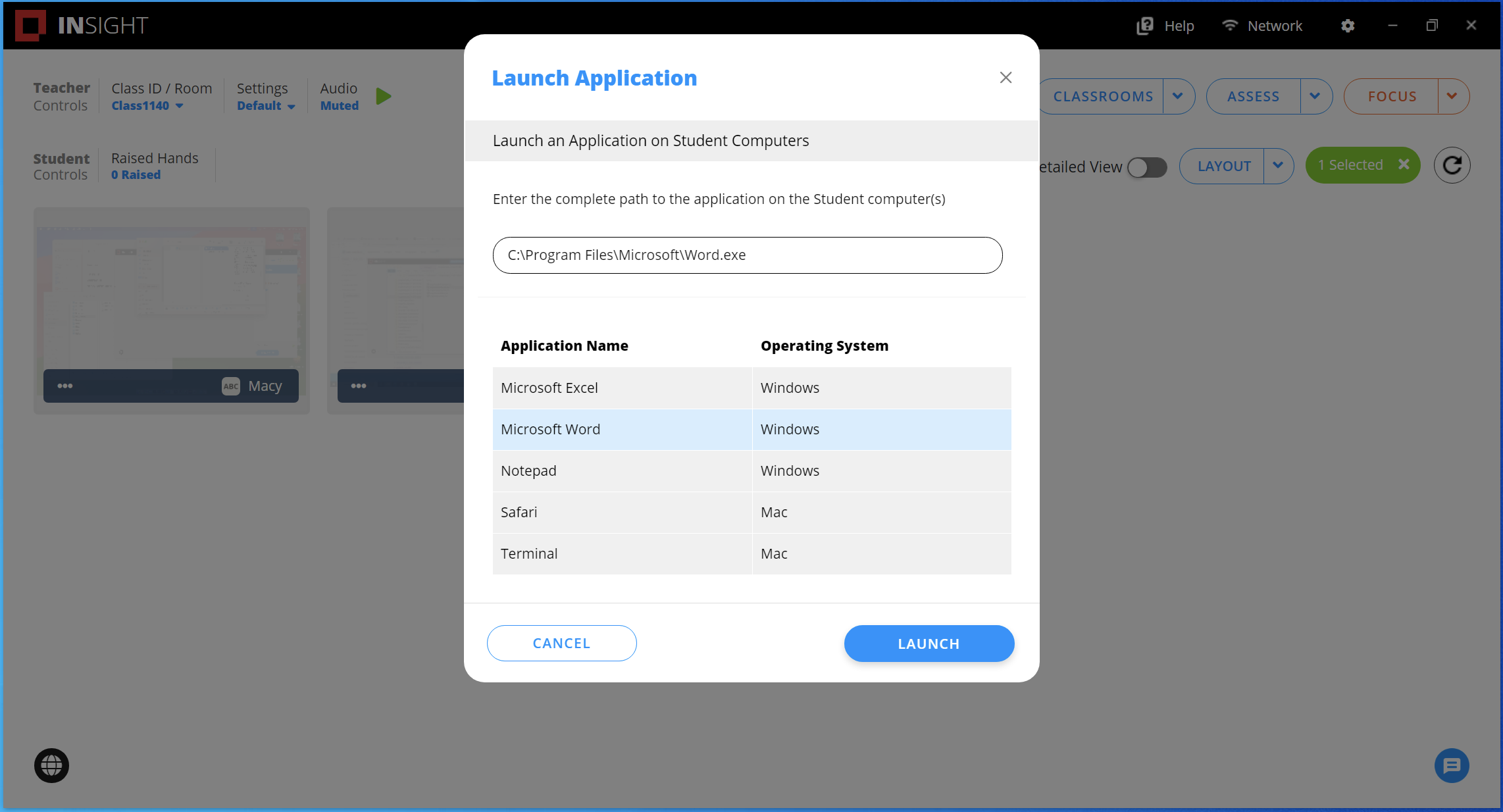
This action runs an application on Student computers. This can be helpful in scenarios where Students have trouble starting a specific application.

1. Select at least one Student.
2. Click *Actions*.
3. Select the *Launch Application* option.
4. Enter the path for the application (for example: `C:\Windows\System32\Notepad.exe`) or select from the list of applications.
An application path that is entered manually will not be saved. To save an application path, see Manage Applications.
5. Click *Launch*.
### Student View
The application loads on the Student computer.

### Teacher View
The Student card will update to show the application running on the Teacher console.