> For the complete documentation index, see [llms.txt](https://docs.faronics.com/faronics-insight-docs/llms.txt). Markdown versions of documentation pages are available by appending `.md` to page URLs; this page is available as [Markdown](https://docs.faronics.com/faronics-insight-docs/using-faronics-insight/the-insight-student-application/student-quick-start-guide.md).
# Navigating the Student Console
## On Windows
When a Student's computer loads, the Student Insight application will automatically be running in the background.
To load Insight:
1. Click the expand icon on the status bar on the bottom right of the screen.
2. Click the Insight icon to bring the Insight application to the foreground.
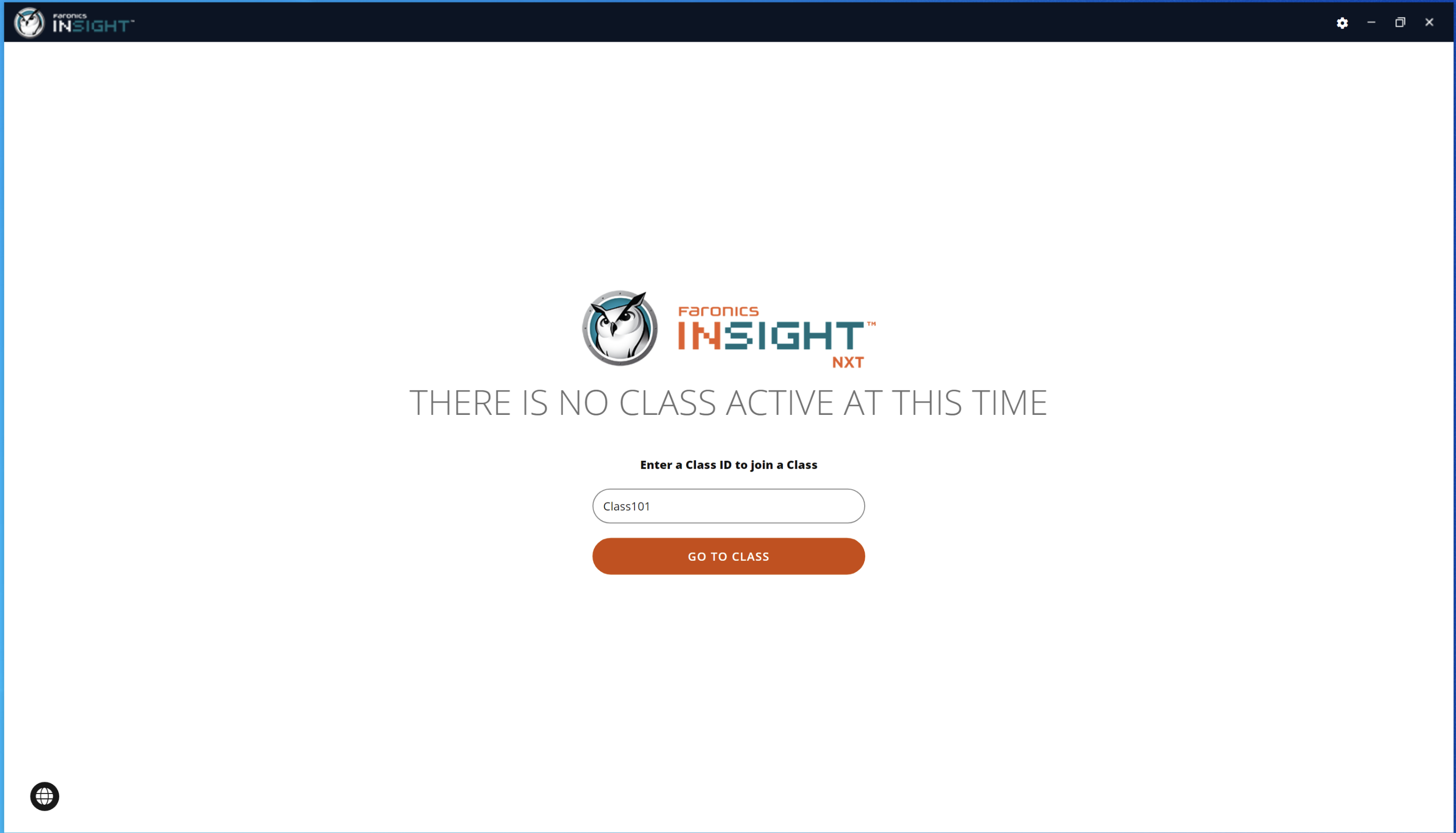
3. Enter the Class ID that you wish to join (1 in the example).\
4. Click *Go To Class*.
{% hint style="success" %}
The Class screen will now appear with the Teacher and other Students displayed.
{% endhint %}

## On Mac
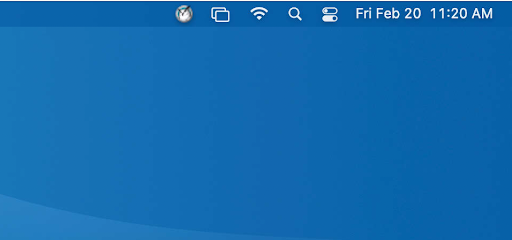
On Mac computers, the Faronics Insight Student icon appears as a small icon on the menu bar.
Click the Insight Student icon and enter the Class ID that you wish to join. Enable permissions when prompted.

 to bring the Insight application to the foreground.
3. Enter the Class ID that you wish to join (1 in the example).\
to bring the Insight application to the foreground.
3. Enter the Class ID that you wish to join (1 in the example).\