> For the complete documentation index, see [llms.txt](https://docs.faronics.com/faronics-insight-docs/llms.txt). Markdown versions of documentation pages are available by appending `.md` to page URLs; this page is available as [Markdown](https://docs.faronics.com/faronics-insight-docs/french/utiliser-faronics-insight/la-console-teacher-dinsight-teacher/salles-de-cours/allumer-les-ordinateurs-de-la-classe.md).
# Allumer les ordinateurs de la classe
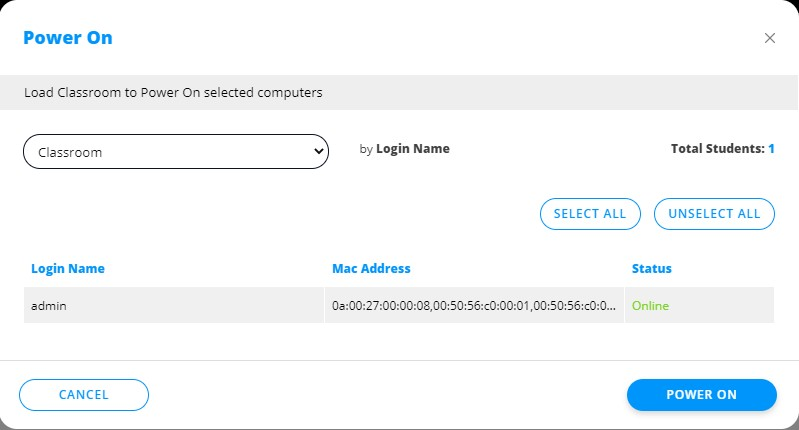
Cette option permet à l'enseignant d'allumer tous les ordinateurs qui appartiennent à une classe.
1. Cliquez sur *Salles de cours*.
2. Cliquez sur *Allumer les ordinateurs de la classe*.
3. Sélectionnez la salle de cours, puis choisissez les ordinateurs Student à mettre en marche.
4. Cliquez sur *Allumer*.