> For the complete documentation index, see [llms.txt](https://docs.faronics.com/faronics-insight-docs/llms.txt). Markdown versions of documentation pages are available by appending `.md` to page URLs; this page is available as [Markdown](https://docs.faronics.com/faronics-insight-docs/dutch/faronics-insight-gebruiken/de-insight-teacher-console/klaslokalen/computer-in-klaslokaal-inschakelen.md).
# Computer in klaslokaal inschakelen
Bij deze optie kan de docent alle computers van een klaslokaal inschakelen.
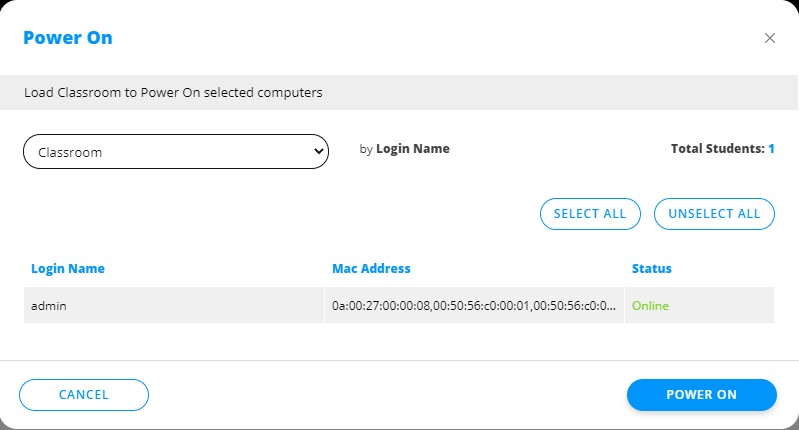
1. Klik op *Klaslokalen*.
2. Klik op *Computer in klaslokaal inschakelen*.
3. Selecteer het klaslokaal en dan de studentencomputers die je wilt inschakelen.
4. Klik op *Inschakelen*.